
Choose the mode
Live reports 1.3 ms. Use Full when range matters more than monitor delay.
14-day refund · 3 machines · No subscription or iLok

Audio proof
One recording. Nothing else in the chain changes.
Press X to switch. Space plays.
Controls
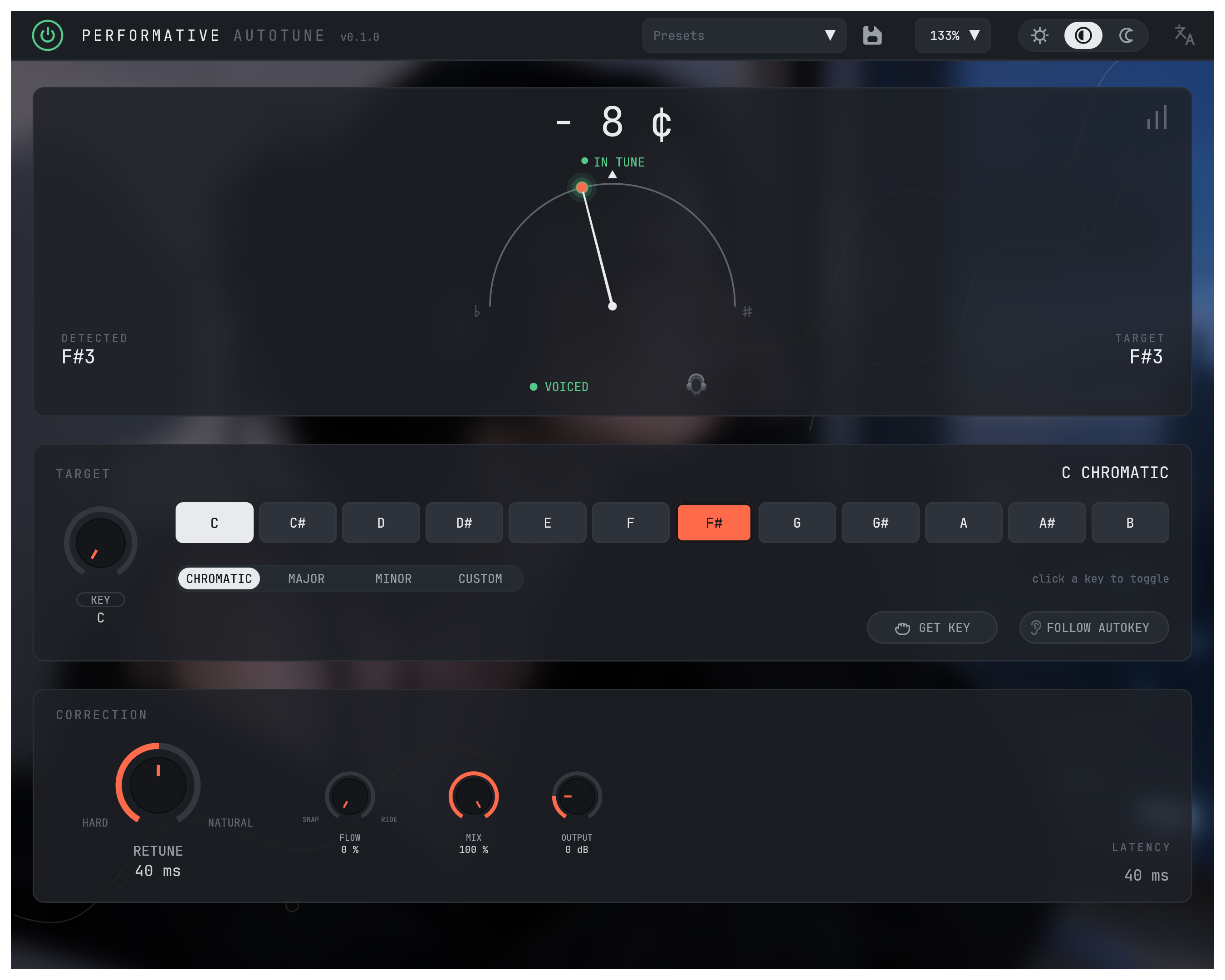
Mode picks the latency. Your DAW is told this delay and lines the recording back up. The number stays the same whatever your sample rate or retune speed. Notes lower than a mode’s Hz figure pass through untouched.
Retune, Flow, Formant, Key, Mix and Output do the rest.
See every controlThe plug-in
Live reports 1.3 ms. Use Full when range matters more than monitor delay.
Retune sets how fast correction lands. Flow lets slides pass through.
See the sung note, target and cents. Hold Listen to hear the source.
Choose chromatic, major or minor. Toggle notes to build a custom scale.
Put Ear on the master bus. Follow its key, or apply it once.
Performative Ear
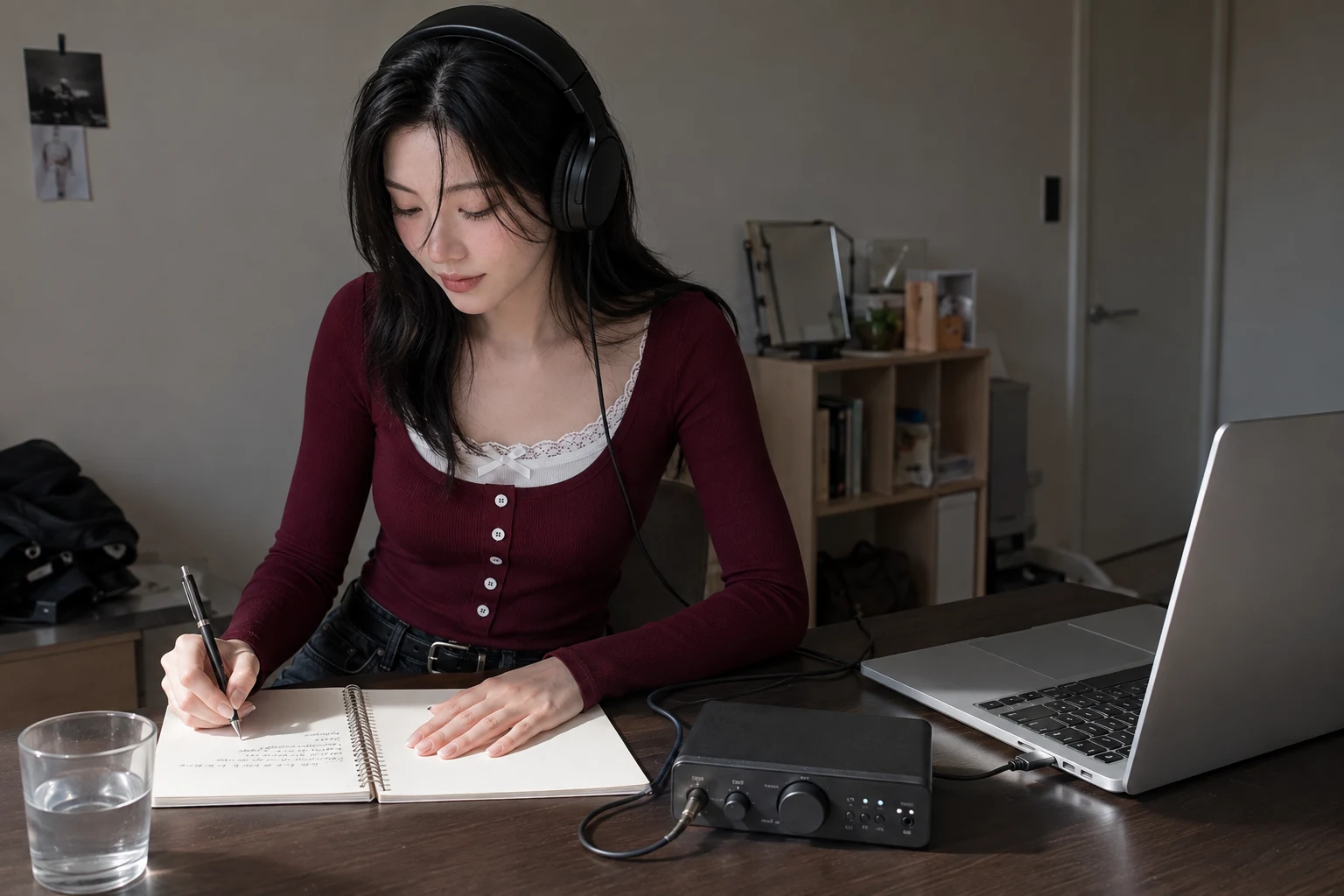
Performative Ear hears the song, not just the vocal, and sends the key across automatically. It passes audio through unchanged — no files, no network.
Included with Performative. Activated by your license.
Ear goes on the master bus or the instrumental bus — one is enough. Audio stays on your normal routing.
Two public research benchmarks. Every labeled track in both, not a sample.
| Corpus | Tracks | Key found exactly |
|---|---|---|
| GiantSteps+, electronic | 476 | 71.2% |
| GTZAN, nine genres | 837 | 58.5% |
Both are here because they disagree. Ear reads electronic material better than it reads everything else, and one figure on its own would not tell you that.
Exactly means the right tonic and the right mode, with no partial credit for a near miss. GiantSteps+ annotations, CC BY-SA 4.0. GTZAN-Key annotations, MIT, Alexander Lerch.
Session fit
Other VST3 and CLAP hosts should work. Logic uses the same Audio Unit as GarageBand, which the macOS installer ships.
One person writes the code, answers the support email and ships the updates. More about who builds it.
Performative
One license. Version 1, three machines, no subscription, no iLok.
Buy PerformativeInternet required for activation and periodic license renewal. You can go at least 10 days without connecting.
Activate in the plugin, or from any other device if this machine is offline. Renewal is automatic and needs no attention. The plugin never asks a server whether you are licensed. You can disable update checks. Network requests never touch the audio thread.